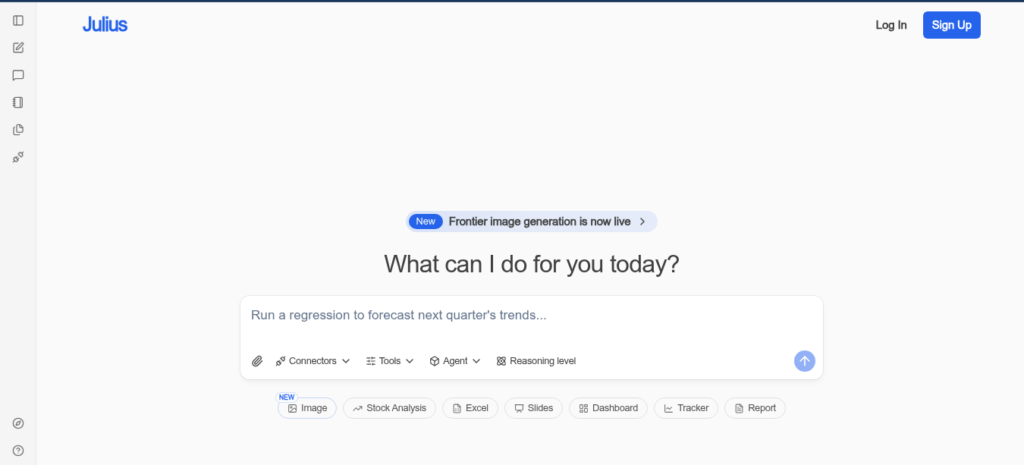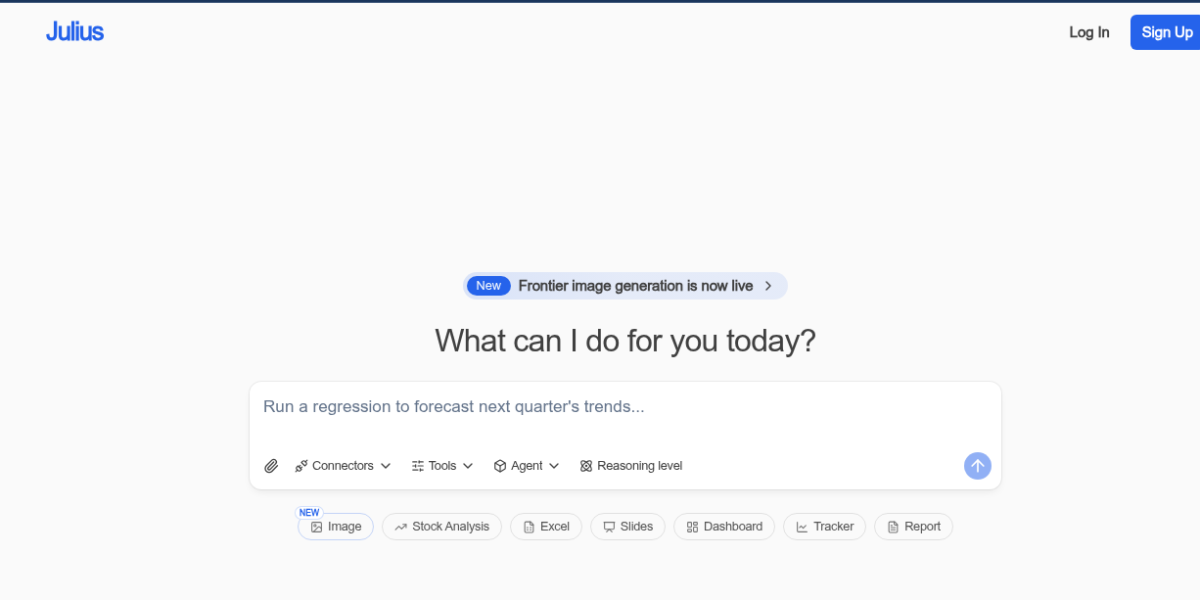
Julius AI is an AI data analysis tool that lets you chat with your files. You upload a CSV, Excel, or PDF and ask questions in plain English. Then it creates charts, tables, and summaries without any code. As a result, it is one of the top tools for non-tech users who need fast data insights in 2026.
Key Features
Julius AI has a simple chat-first workflow. First, you upload files in formats like CSV, Excel, PDF, or images. Second, you type questions like “what drove sales last quarter” and get instant charts. It also connects to live databases like Snowflake and BigQuery on paid plans. Plus, you can save workflows as Notebooks and run them again on new data. It has SOC 2 security and keeps your files private. So it fits teams that need quick, safe data answers without coding.
Pricing Plans
Julius AI has four plans. Free is $0 with 15 messages per month. Plus is $37 per month with more power. Pro is $45 per month with SOC 2 and live database links. Enterprise is custom with private cloud and SSO. But the free plan has tight limits, so most users upgrade fast. Check the official page for current prices.
Who Uses Julius AI?
Julius AI fits analysts, marketers, and research teams. For instance, marketers use it to spot trends in campaign data without Excel skills. Researchers use it to scan PDFs and pull key stats fast. Sales teams use it to clean lead lists and find patterns. But it is not built for deep stats or machine learning. So it fits anyone who needs quick, visual data answers.
How Julius AI Compares
Julius AI wins on ease of use. First, it keeps full data context across chats, unlike ChatGPT which can lose track. Second, it auto-picks chart types and creates cleaner visuals. But ChatGPT handles bigger files and broader tasks beyond data. Also, Excel Copilot works inside a tool you already know, but costs more and needs IT setup. You can explore more tools in our AI Tools Directory or compare with ChatGPT for general AI. For updates, visit Julius AI.
Best For
Julius AI fits non-tech users and small teams who need fast data insights, auto charts, and plain English queries without coding or complex setup.