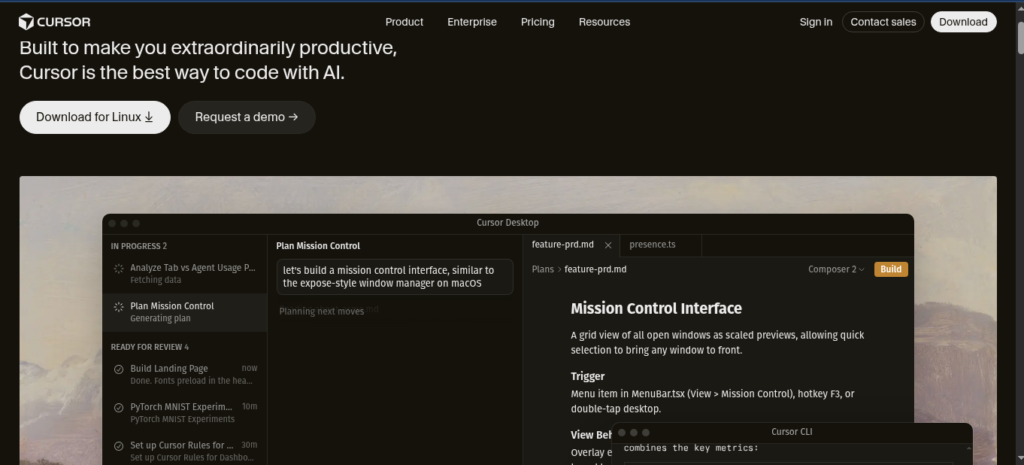
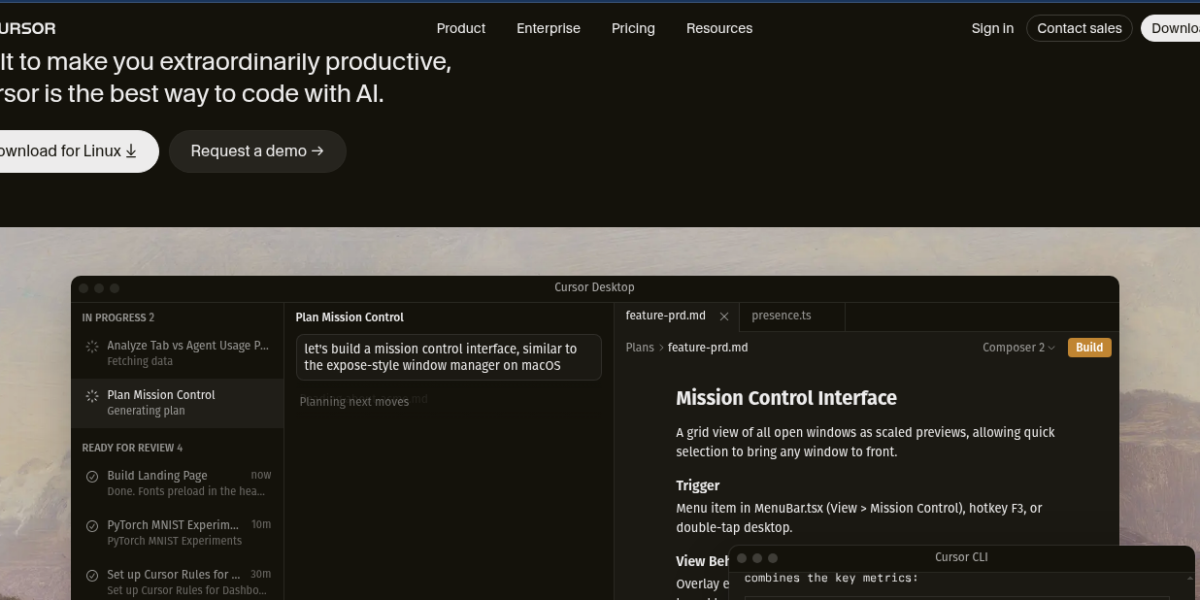
Cursor is an AI-powered code editor built for developers. It helps programmers write, edit, and debug code faster using built-in AI assistance. Because it understands your entire codebase, it gives smarter suggestions than any standard code editor available today.
Key Features
Cursor offers a unique set of AI coding tools in one editor. For example, it can read and understand your entire project before making suggestions. In addition, developers can chat with their codebase directly and ask questions about how it works. Therefore, it saves hours of debugging and code review time.
Codebase-aware AI suggestions
Chat with your codebase directly
Auto-complete for entire functions
Bug detection and fix suggestions
Multi-file editing with AI context
Supports all major programming languages
Built on VS Code for familiar experience
Pricing Plans
Cursor offers a free plan with basic AI features. However, the Pro plan at $20 per month unlocks unlimited AI completions and access to top models like GPT-4o and Claude. Moreover, teams can subscribe at $40 per user per month for collaborative coding features.
Who Uses Cursor?
Cursor works best for professional developers and coding teams. For instance, solo developers use it to write cleaner code in less time. Similarly, engineering teams rely on it to onboard new members faster by letting them chat with the codebase. Students, on the other hand, use it to learn programming with real-time AI guidance. Therefore, it suits anyone who writes code regularly.
How Cursor Compares
Cursor stands out from other coding tools because it understands full project context. First, it goes beyond simple autocomplete by reading your entire codebase. Second, it lets developers chat with their code in natural language. However, it requires a subscription for full AI power. You can explore more tools in our AI Tools Directory or compare it with ChatGPT by OpenAI for general coding help. For the latest updates, visit the official Cursor website.
Best For
Cursor suits professional developers, engineering teams, and students who want a smarter and faster AI-powered coding experience.