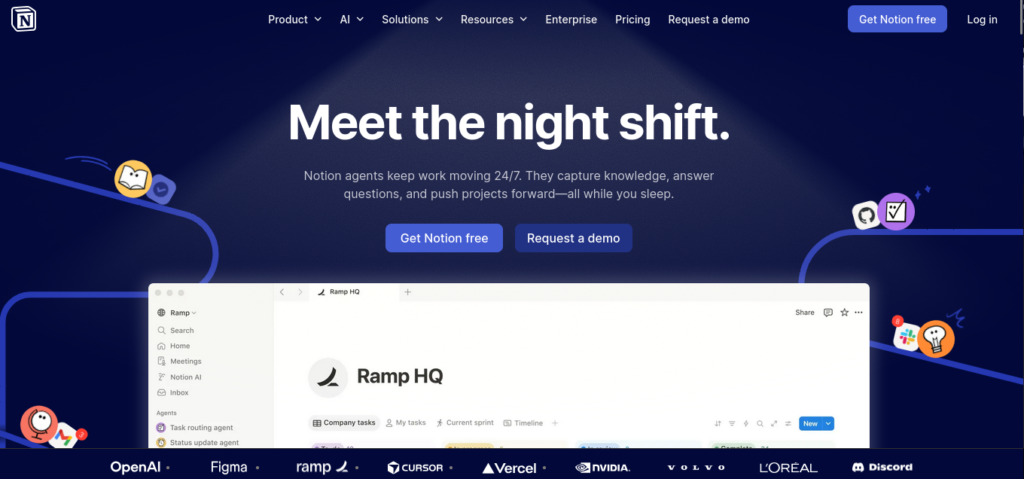
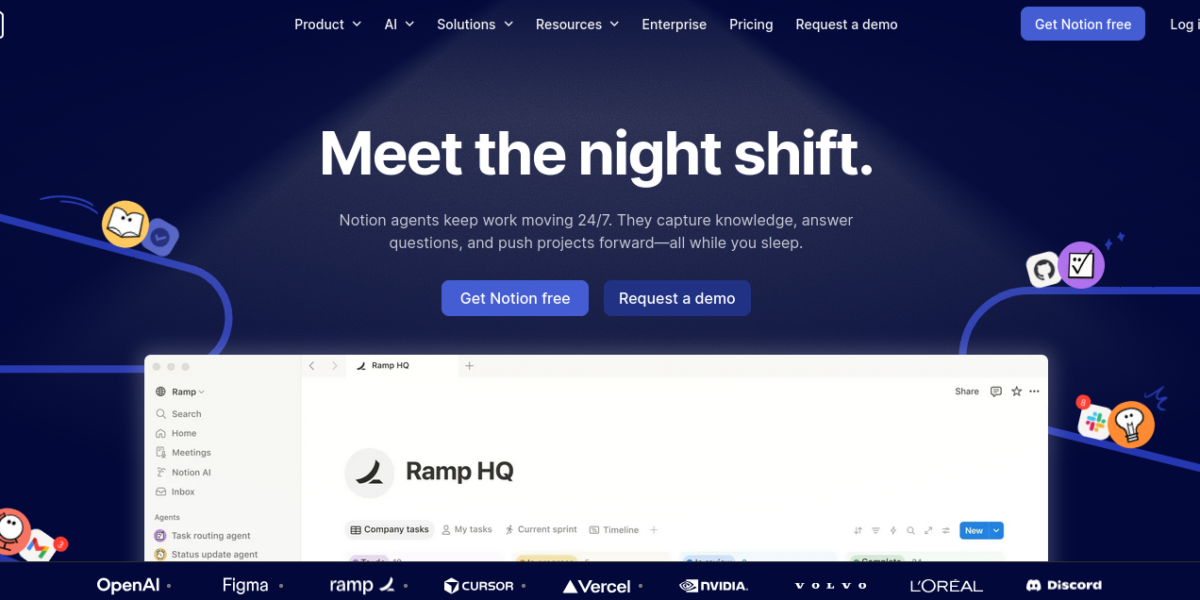
Notion AI is an AI assistant built into the Notion workspace. It helps users write, summarize, translate, and organize content directly inside their notes and documents. Because it works inside Notion, it is the top AI tool for teams and individuals who already use Notion for productivity.
Key Features
Notion AI offers a smart set of writing and organization tools. For example, it can summarize long meeting notes into key points in seconds. In addition, it helps users draft content, fix grammar, and translate text without leaving the workspace. Therefore, it saves time and keeps all work in one place.
AI writing and editing inside Notion
Meeting notes summarization
Grammar and tone improvement
Content translation in multiple languages
Action item extraction from notes
Q&A across your entire Notion workspace
Available on web, desktop, and mobile
Pricing Plans
Notion AI is an add-on to any Notion plan. However, it costs $10 per member per month on top of your existing Notion subscription. Moreover, it is included for free in the Notion Plus, Business, and Enterprise plans for a limited trial period.
Who Uses Notion AI?
Notion AI works best for teams, writers, and project managers. For instance, product teams use it to turn meeting notes into action items fast. Similarly, writers rely on it to draft and edit content without switching apps. Students, on the other hand, use it to summarize research notes for essays. Therefore, it suits anyone who already uses Notion for daily work.
How Notion AI Compares
Notion AI stands out because it works inside your existing workspace. First, it has full context of all your notes and documents. Second, it removes the need to copy and paste content into a separate AI tool. However, it is only useful if you already use Notion. You can explore more tools in our AI Tools Directory or compare it with Microsoft Copilot for productivity. For the latest updates, visit the official Notion website.
Best For
Notion AI suits teams, writers, and students who use Notion and want a built-in AI assistant for writing, summarizing, and organizing their work.