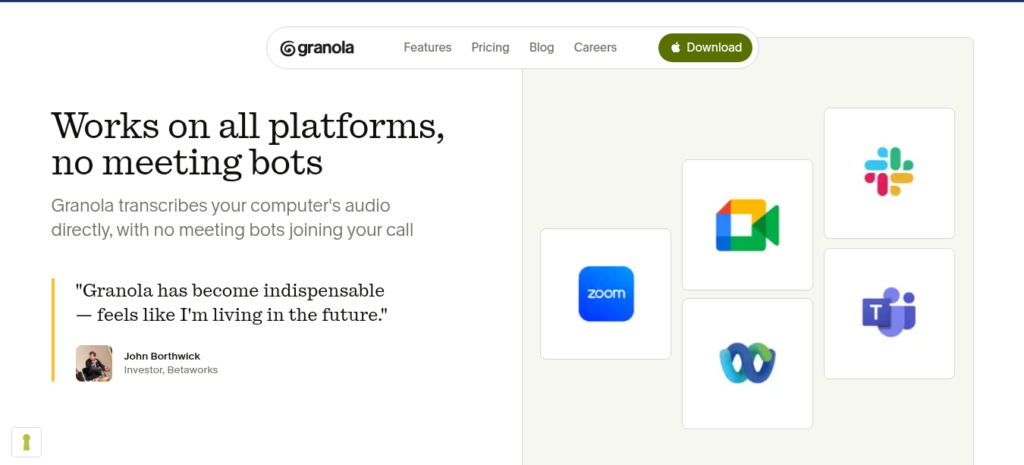
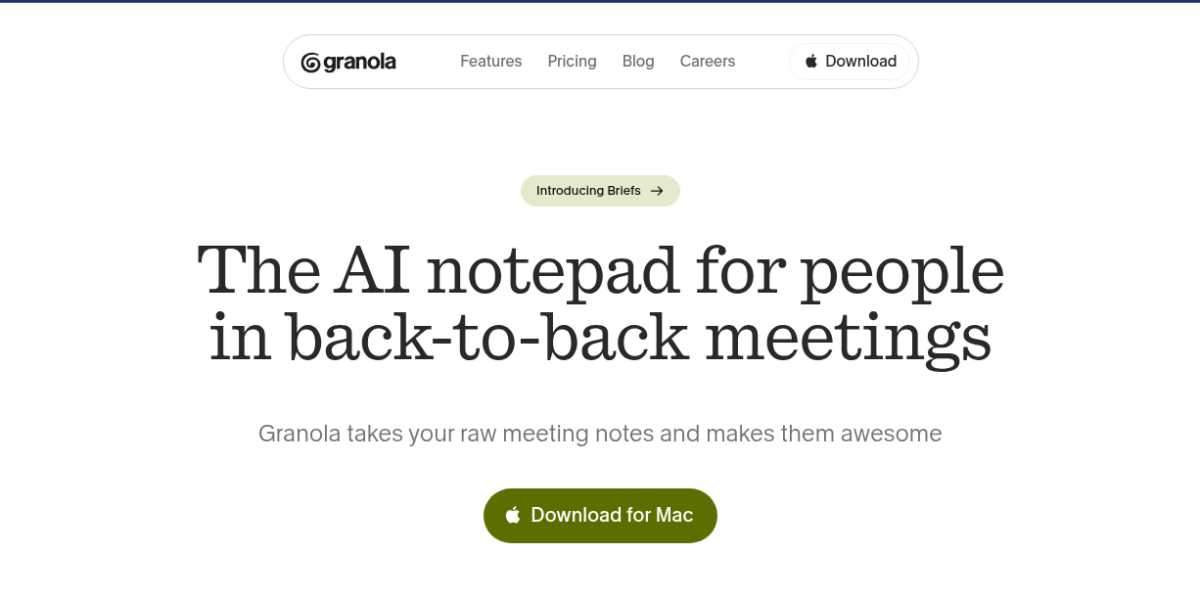
Granola is an AI meeting notes tool that never joins your call. It runs on your Mac or Windows desktop and captures audio from your system. Then it creates clean notes and action items after the meeting ends. As a result, no one in the call knows you are taking notes. This makes it ideal for client calls, sales talks, and sensitive chats.
Key Features
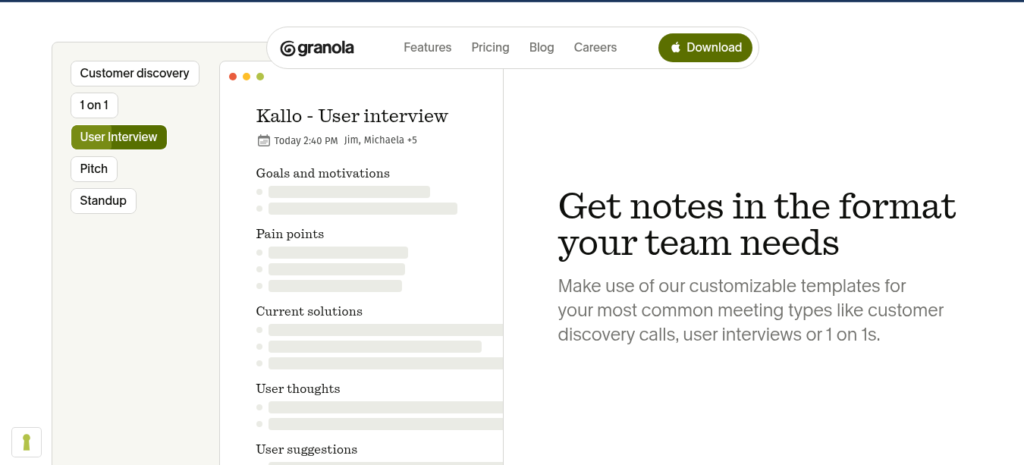
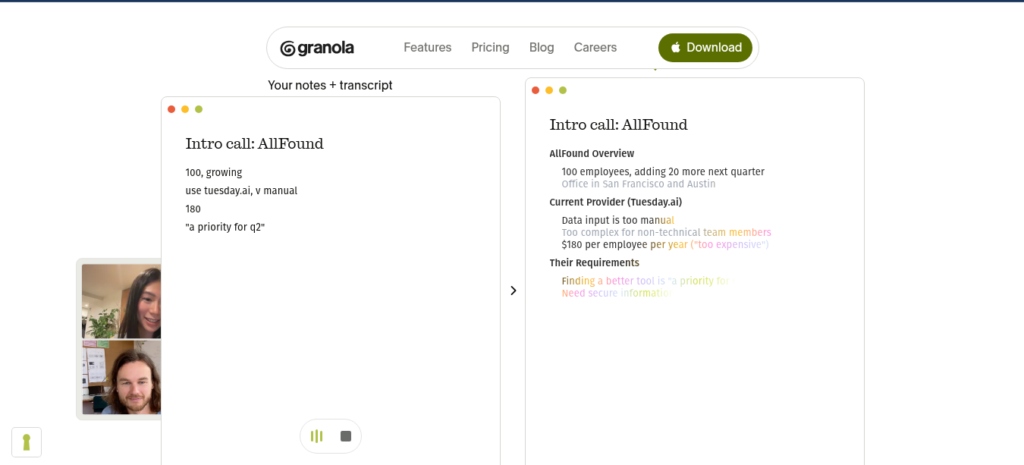
Granola has a simple bot-free workflow. First, you open the desktop app before your call. It listens to your system audio and takes notes in the background. Second, it creates structured notes with key points and action items after the call ends. You can also type quick bullets during the call and the AI expands them into full notes. Plus, it has an AI chat that lets you ask questions across all your past meetings. It also links to Notion, Slack, HubSpot, and Zapier on paid plans. So it fits anyone who needs quiet, quality notes without awkward bots.
Pricing Plans
Granola has three plans. Basic is free with limited meeting history. Business is $14 per user per month with unlimited notes and app links. Enterprise is $35 per user per month with SSO and team-wide controls. But the free plan only keeps 25 notes, so most users upgrade fast. Check the official page for current prices.
Who Uses Granola?
Granola fits consultants, sales reps, and founders. For instance, a consultant can take notes on client calls without awkward bots. A sales rep can capture deal talks and pull action items fast. A founder can run 1:1s and strategy chats with full privacy. But big teams that need shared transcript databases may find it too simple. So it fits anyone who values quiet, quality notes over loud automation.
How Granola Compares
Granola wins on privacy and note quality. First, no bot joins your call, unlike Otter and Fireflies. Second, it creates clean structured notes, not raw transcripts. But Otter has better search across all past meetings and a stronger free plan. Also, Fireflies links deeper to CRMs like Salesforce. You can explore more tools in our AI Tools Directory or compare with Otter for transcription. For updates, visit Granola.
Best For
Granola fits consultants, sales reps, and founders who need bot-free meeting notes with clean output, action items, and app links on Mac and Windows.