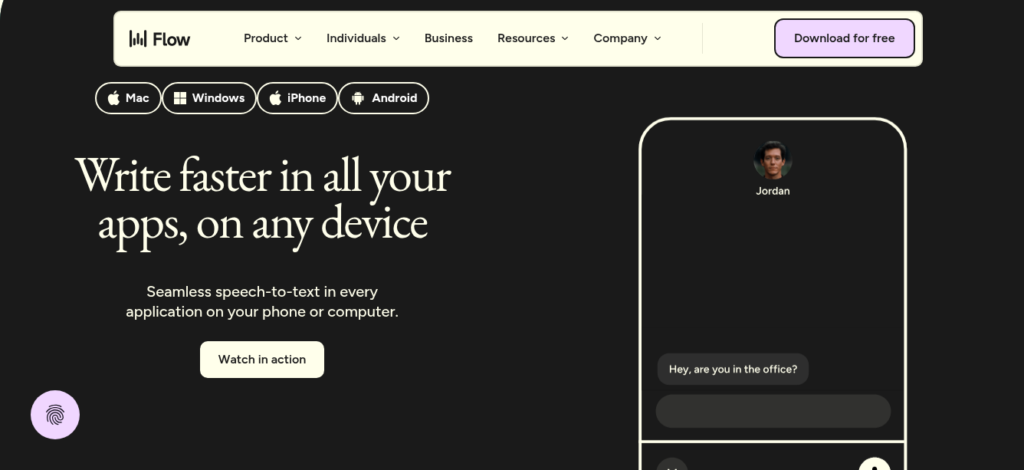
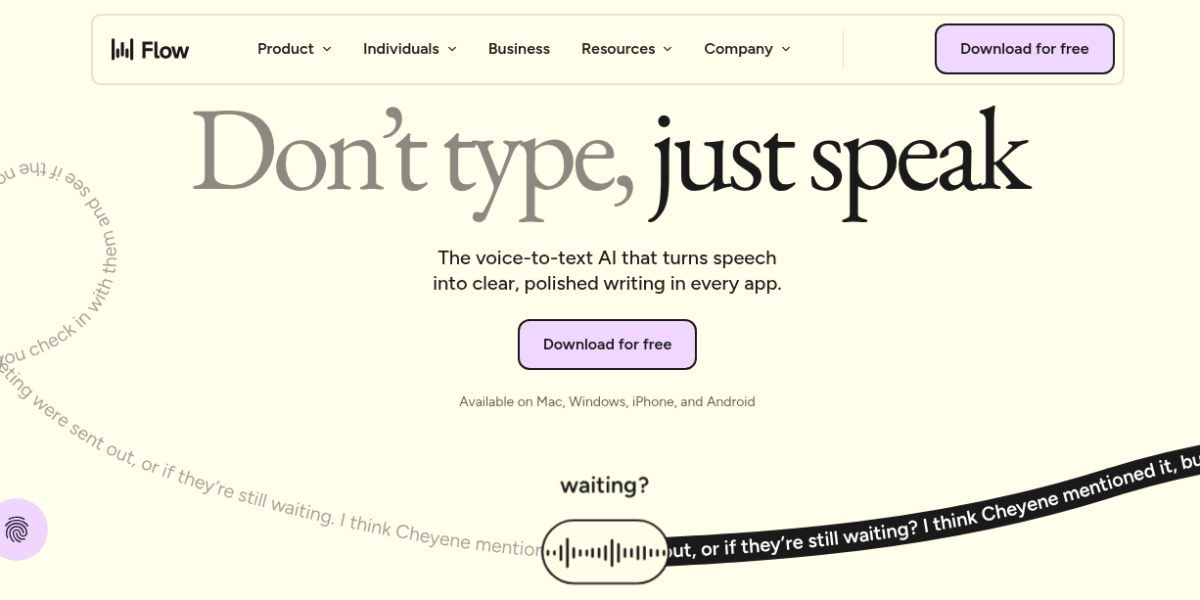
Wispr Flow is an AI dictation tool that works inside any app on your Mac, Windows, iPhone, or Android. You press a hotkey, speak naturally, and it types clean text where your cursor sits. As a result, it is one of the top voice typing tools for busy writers and pros in 2026.
Key Features
Wispr Flow has a simple speak-and-type workflow. First, you press and hold a hotkey in any text field. It sends your voice to the cloud and returns clean text with AI cleanup. Second, it removes filler words like “um” and “uh” and adds punctuation auto-magically. It also formats lists when you say “first, second, third.” Plus, it has Command Mode on Pro plans so you can voice-edit text across your doc. It works in 100+ languages and syncs across all your devices. So it fits anyone who wants to write faster without switching apps.
Pricing Plans
Wispr Flow has three plans. Basic is free with 2,000 words per week. Pro is $15 per month or $12 per month billed yearly with unlimited words and Command Mode. Enterprise is custom with SSO and team controls. But the free cap runs out fast for daily users. Check the official page for current prices.
Who Uses Wispr Flow?
Wispr Flow fits writers, doctors, and sales reps. For instance, a writer can draft articles by voice without switching to a separate app. A doctor can chart patient notes hands-free. A sales rep can fire off quick emails between calls. But it is not built for users who need offline mode or handle very sensitive data. So it fits anyone who writes a lot and has stable internet.
How Wispr Flow Compares
Wispr Flow wins on cross-platform reach and AI cleanup. First, it works on Mac, Windows, iPhone, and Android with one account. Superwhisper is Mac-only. Second, its AI cleanup turns rough speech into polished text better than Apple Dictation. But Superwhisper is cheaper at $10 per month and works offline. Also, Apple Dictation is free and on-device but lacks formatting smarts. You can explore more tools in our AI Tools Directory or compare with Superwhisper for offline dictation. For updates, visit Wispr Flow.
Best For
Wispr Flow fits writers, doctors, and sales reps who need fast voice typing across all devices with AI cleanup and cloud sync.