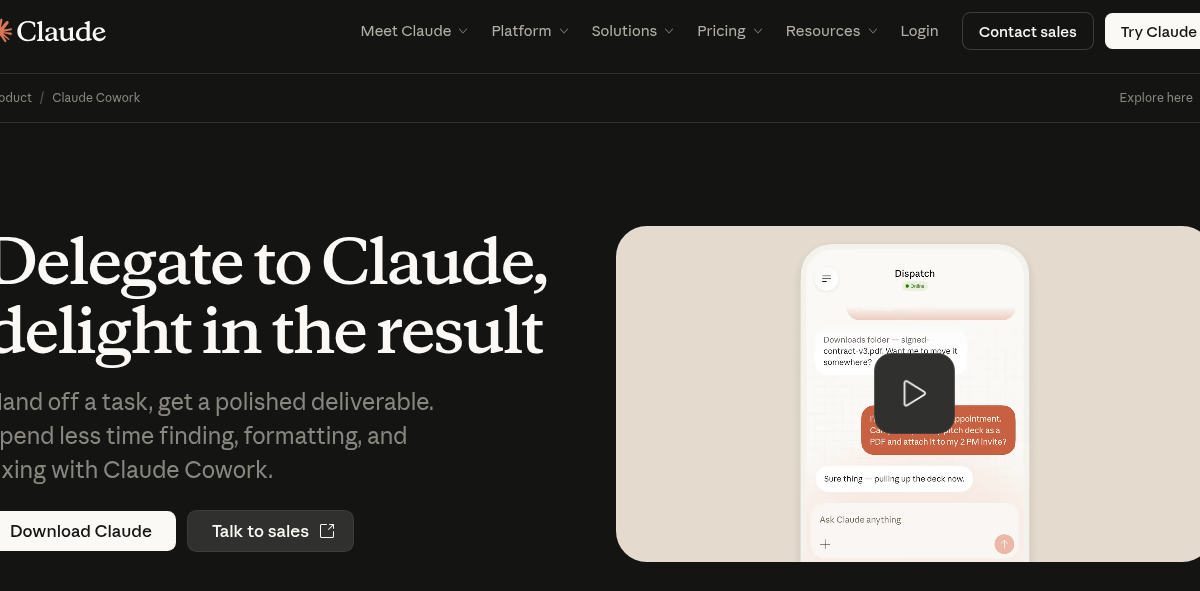
Claude Cowork is part of the Claude by Anthropic family. It is a desktop AI coworker with file-system access, scheduled tasks, and cross-app automation. For the main chatbot review, see Claude AI.
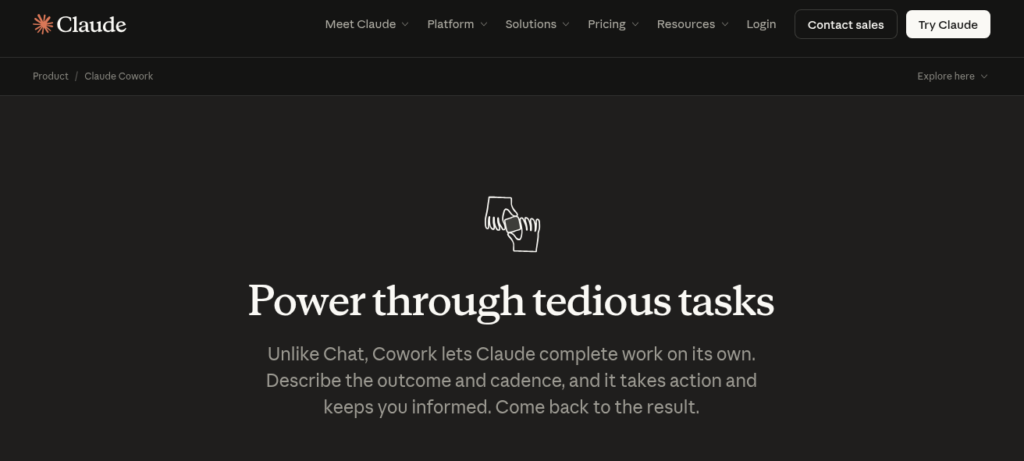
Claude Cowork is Anthropic’s AI desktop coworker. It lives inside Claude Desktop and handles multi-step tasks across your files and apps. Moreover, it has file-system access, scheduled tasks, and a plugin marketplace. As a result, it is one of the top AI agents for knowledge workers in 2026.
Key Features
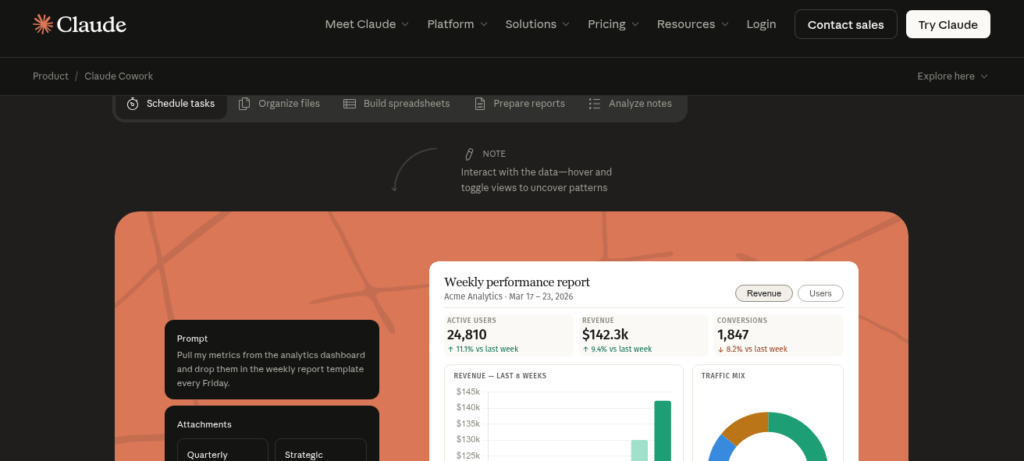
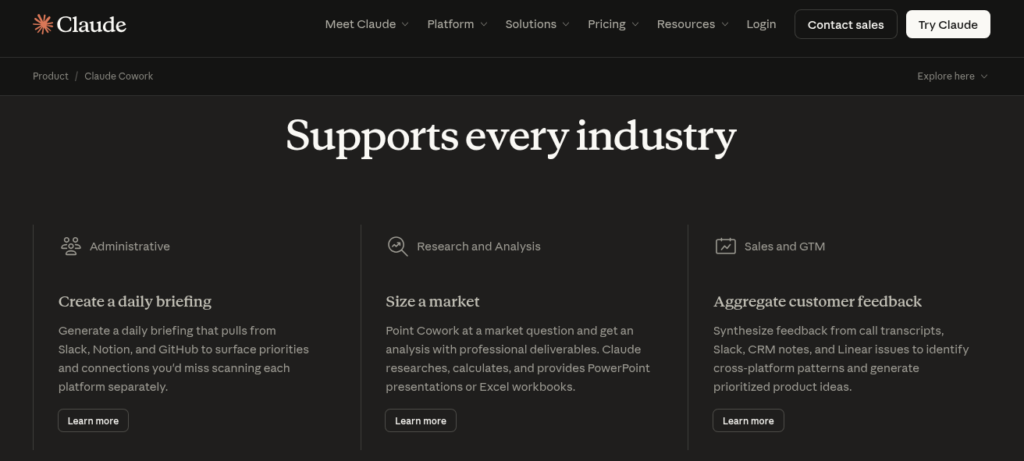
Claude Cowork has a task-based workflow for desktop users. First, it reads and organizes files in folders you grant access to. Second, it runs scheduled tasks like weekly reports without you watching. Then, it has Dispatch for computer use and automation. In addition, it offers live artifacts that refresh with new data. Furthermore, it has vertical bundles for Legal, Marketing Ops, and Small Business. Plus, it connects to Google Workspace, Notion, and Asana. So it fits teams that need an AI coworker, not just a chatbot.
Pricing Plans
Claude Cowork is free on all paid Claude plans. Pro is $20 per month with full Cowork access. Team is $25 per seat per month with shared workspaces. Max is $100 per month for heavy usage. Enterprise is custom with EU data residency. But Pro users hit limits faster than Max. Also, Cowork tasks use more tokens than chat. So check your usage if you delegate often.
Who Uses Claude Cowork?
Claude Cowork fits knowledge workers and small teams. For instance, a marketer can schedule weekly reports from Google Sheets data. Similarly, a lawyer can organize case files with the Legal bundle. In contrast, a founder can automate expense tracking across Notion and Drive. But it needs Claude Desktop open to run. So it fits desk-based workers, not mobile-first users.
How Claude Cowork Compares
Claude Cowork wins on desktop integration and task execution. First, it has native file-system access that ChatGPT Agents lacks. Second, it runs scheduled tasks without cloud servers. However, ChatGPT Agents has broader plugin diversity via the GPT Store. Also, Microsoft Copilot integrates with M365 but costs more. You can explore more tools in our AI Tools Directory or compare with ChatGPT for chat AI. For updates, visit Claude.
Best For
Claude Cowork fits knowledge workers and small teams who need an AI desktop coworker with file access, scheduled tasks, and cross-app automation across Google Workspace and Notion.