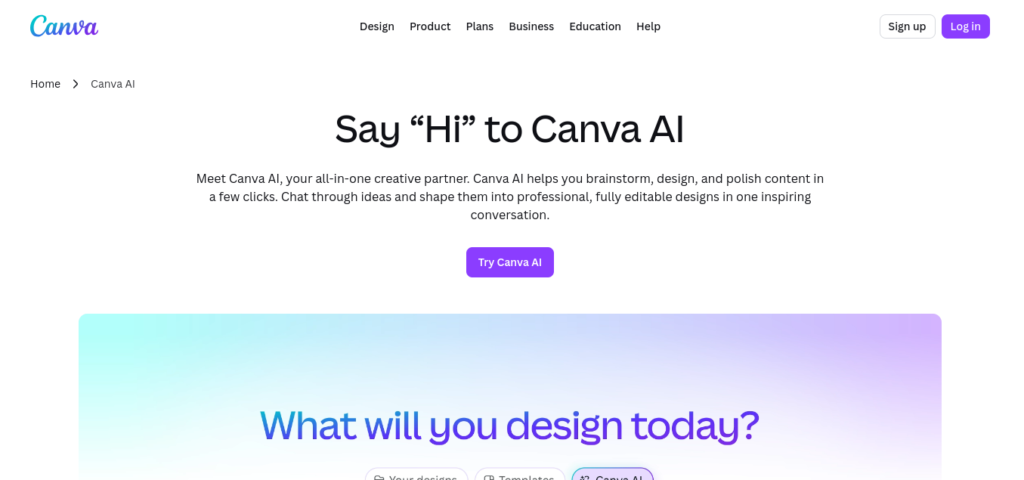
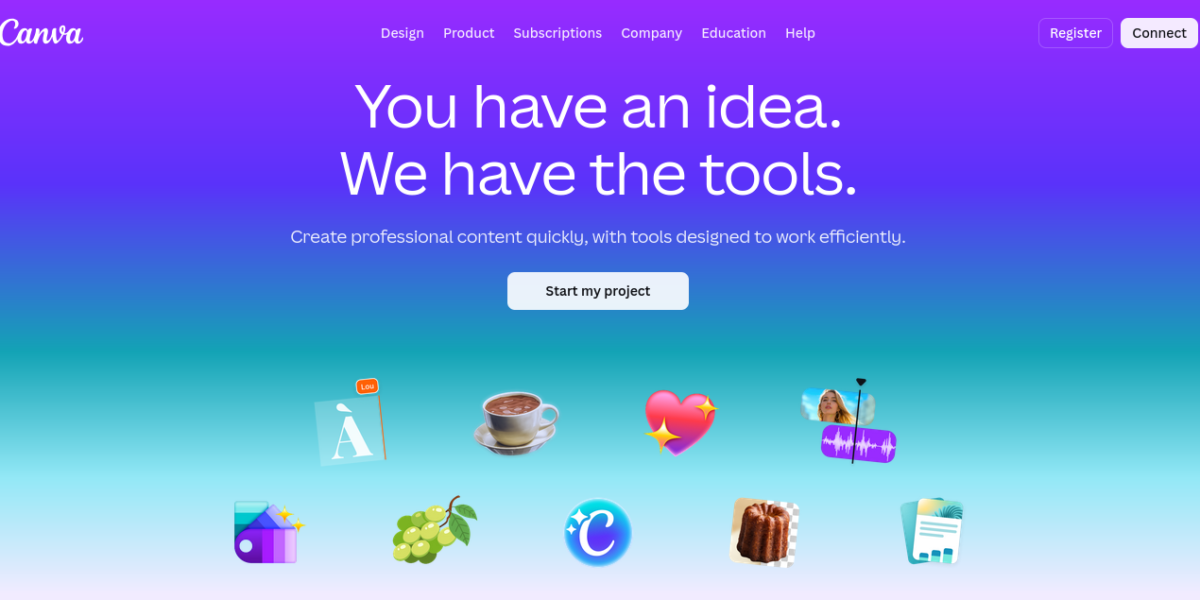
Canva AI is a set of AI design tools built into the Canva platform. It helps users create graphics, presentations, and social media content with ease. As a result, it is the top design tool for non-designers today.
Key Features
Canva AI packs a wide range of creative tools into one platform. For example, it generates images from text prompts directly inside your design. The writing assistant, background remover, and magic resize tool are also included. Therefore, creators and businesses save hours of design work every day.
AI image generation from text prompts
Magic Write AI writing assistant
Background remover with one click
Magic Resize for any platform
AI video generation and editing
Presentation and doc creation
Thousands of templates included
Pricing Plans
Canva has a strong free plan for everyday users. Pro costs $15 per month and unlocks all AI tools and premium templates. Moreover, teams can subscribe at $10 per user per month for collaborative design features.
Who Uses Canva AI?
Canva AI works best for marketers, small businesses, and content creators. For instance, social media managers use it to create branded posts in minutes. Similarly, small business owners rely on it to design logos and flyers without a designer. Students, on the other hand, use it to build visual presentations fast. Therefore, it suits anyone who needs professional designs without design skills.
How Canva AI Compares
Canva AI stands out because it combines design tools with AI in one place. First, it is far easier to use than Adobe tools for beginners. Second, its template library is the largest of any design platform. However, professional designers may find it limiting compared to Adobe. You can explore more tools in our AI Tools Directory or compare it with Midjourney for AI image generation. For the latest updates, visit the official Canva website.
Best For
Canva AI suits marketers, small businesses, content creators, and students who need fast and professional designs without any design experience.