Figma AI is a suite of AI design tools built into Figma. It helps designers, developers, and product teams create UI designs and apps faster. As a result, it is the most used AI design platform among professionals in 2026. Moreover, Figma now generates over $1.4 billion in annual revenue.
Key Features
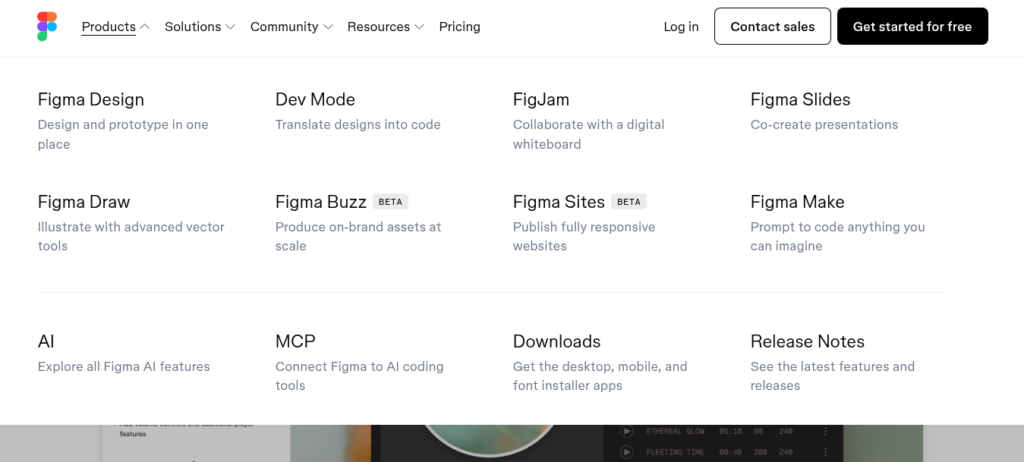
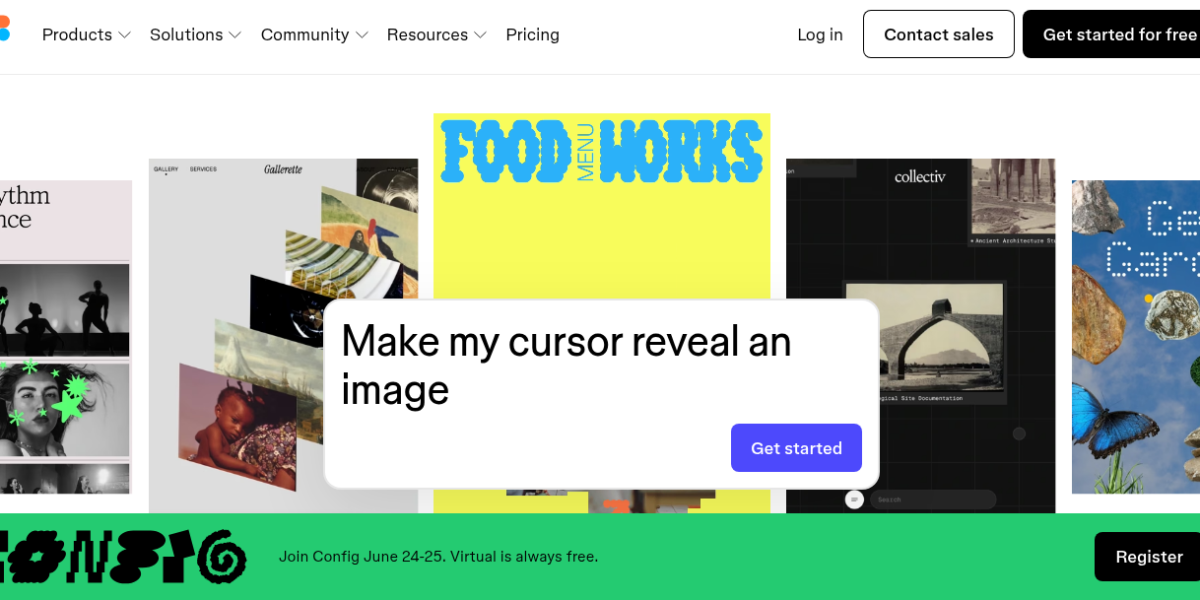
Figma AI has a powerful set of tools for design teams. First, Figma Make generates clickable UI screens from simple text prompts. Second, its MCP server lets AI coding tools like Cursor read your designs and generate matching code. In addition, it includes AI image generation and background removal. Therefore, it suits designers and developers who want to work faster together.
Pricing Plans
Figma has a free Starter plan with 500 AI credits per month. However, the Professional plan at $16 per seat gives unlimited files and 3,000 credits. In addition, the Organization plan at $55 per seat adds centralized admin and SSO. Moreover, the Enterprise plan at $90 per seat suits large teams with custom needs. Therefore, there is a plan for every team size.
Who Uses Figma AI?
Figma AI works best for designers, product managers, and developers. For instance, product designers turn rough ideas into clickable prototypes fast with Figma Make. Similarly, developers generate code directly from Figma designs via the MCP server. Marketing teams, on the other hand, publish landing pages using Figma Sites without writing code. Therefore, it suits any team that designs or ships digital products.
How Figma AI Compares
Figma AI stands out as the most complete AI design platform for teams. First, its MCP server integration with Cursor and Claude is unique among design tools. Second, Figma Make bridges design and development faster than any rival. However, Canva AI is easier to use for non-designers. You can explore more tools in our AI Tools Directory or compare it with Canva AI for AI design. For the latest updates, visit the official Figma website.
Best For
Figma AI suits designers, product teams, and developers who need a complete AI platform with prompt-to-UI generation, code export, and real-time collaboration.