Napkin AI is a text-to-visual tool for business storytelling. You paste text and it creates diagrams, flowcharts, and infographics in seconds. Moreover, it needs no design skills. As a result, it is one of the top tools for marketers and consultants in 2026.
Key Features
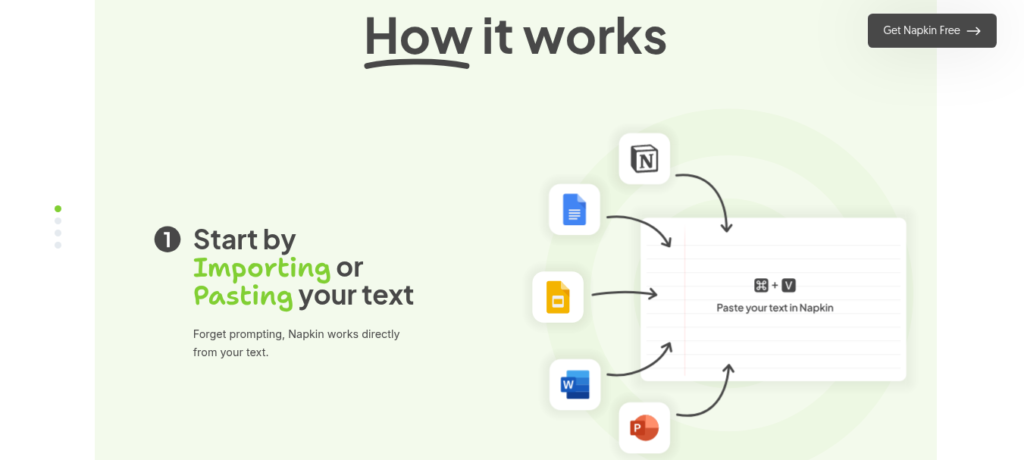
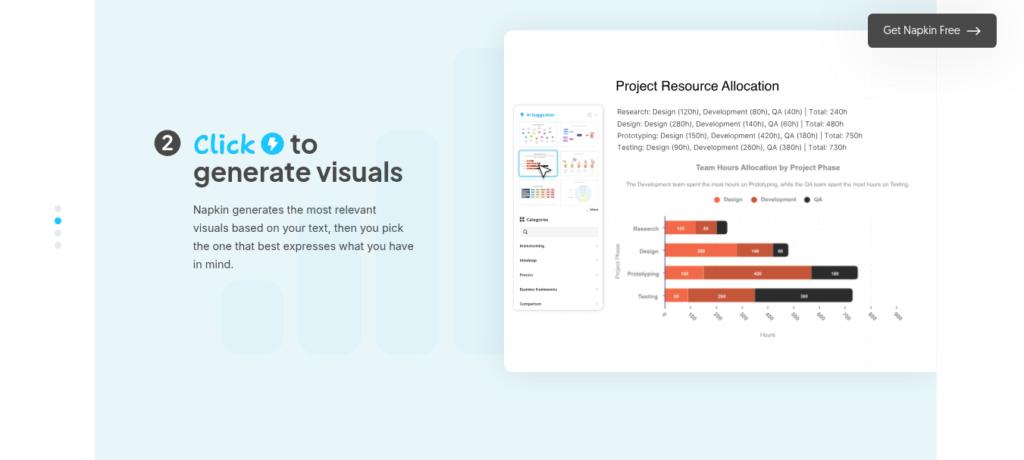
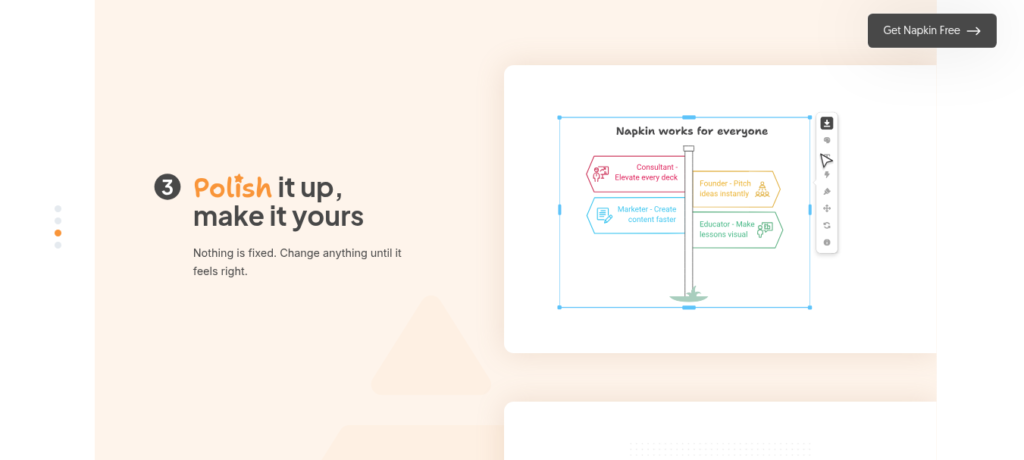
Napkin AI has a simple text-to-visual workflow. First, you paste text or upload files like PPT, DOC, or PDF. Second, you click the spark icon and the AI reads your text structure. Then, it creates 4 to 6 visual options in 3 to 8 seconds. In addition, you can pick from 30+ visual types like flowcharts, timelines, and mind maps. Furthermore, it auto-scales layouts when you add or remove steps. Plus, it extracts brand colors from your logo image. So it fits anyone who needs fast, clean visuals without a designer.
Pricing Plans
Napkin AI has three plans. Free is $0 with 500 credits per week. Plus is $9 per month with more credits and no watermark. Pro is $22 per month with custom fonts and API access. But the free plan adds a watermark to exports. Also, PPTX and SVG are locked to Plus and above. So check the official page for current details.
Who Uses Napkin AI?
Napkin AI fits marketers, consultants, and educators. For instance, a content marketer can turn blog outlines into flowcharts for social posts. Similarly, a consultant can map client processes into visual frameworks. In contrast, an educator can build lesson diagrams from text notes. But teams that need full slide decks may find it too limited. So it fits anyone who needs single visuals fast.
How Napkin AI Compares
Napkin AI wins on speed and simplicity. First, it creates visuals in under 10 seconds from plain text. In comparison, Canva AI needs more manual design work. Also, its PPTX export keeps text editable in PowerPoint, which Gamma does not always do. However, Gamma builds full multi-slide decks from prompts, while Napkin only makes single visuals. Furthermore, Miro AI is better for team whiteboarding but lacks the text-to-visual magic. You can explore more tools in our AI Tools Directory or compare with Canva AI for design. For updates, visit Napkin AI.
Best For
Napkin AI fits marketers, consultants, and educators who need fast text-to-visual diagrams without design skills or complex software.