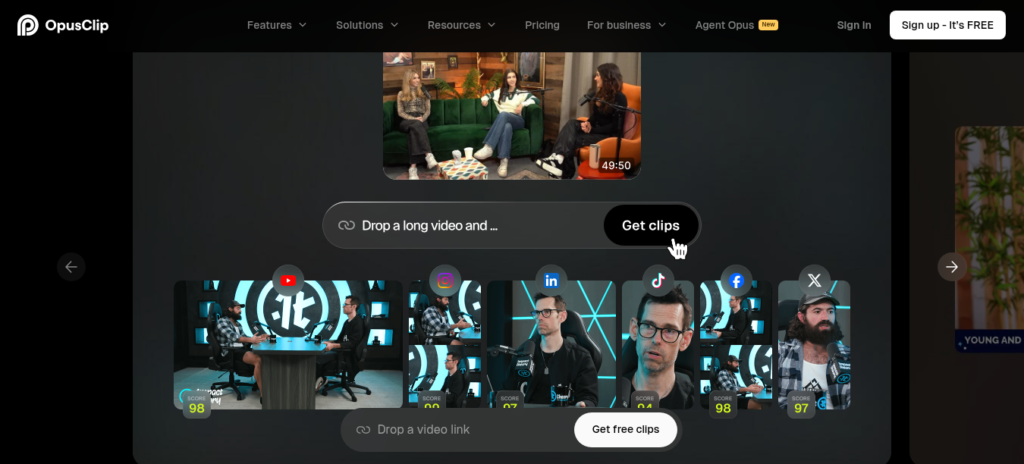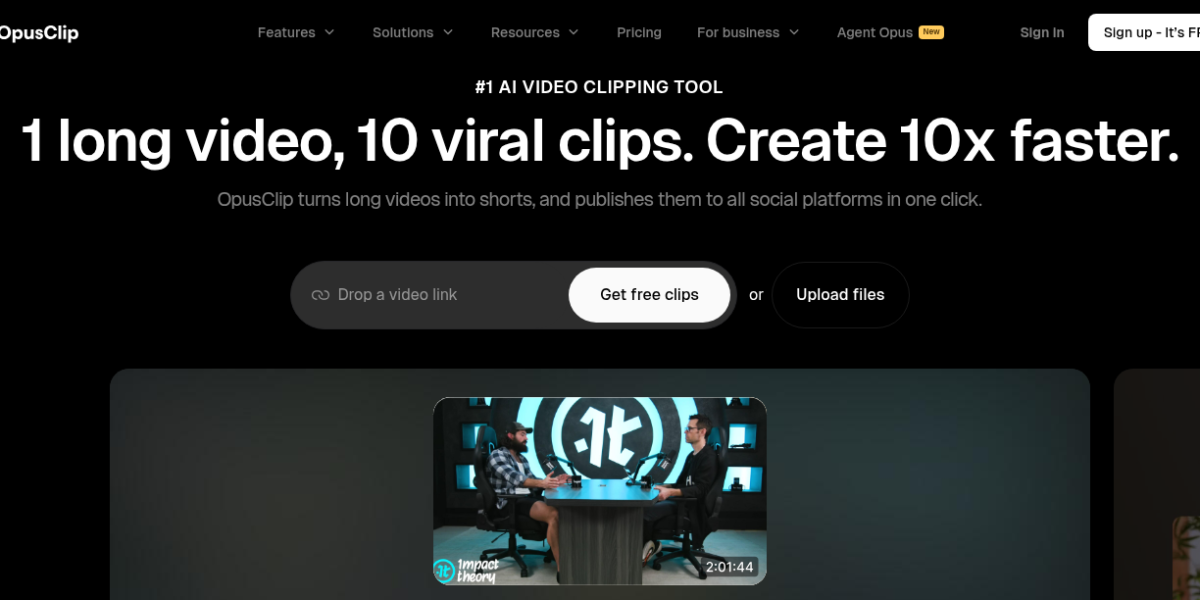
OpusClip is an AI video repurposing platform for creators and marketers. It turns long videos into viral short clips with auto-captions, AI b-roll, and hook detection. Moreover, it offers brand templates, scheduling, and multi-platform export for content teams. As a result, it is the top choice for repurposing webinars, podcasts, and interviews into TikToks and Reels in 2026.
Key Features
OpusClip has a full video repurposing stack for social teams. First, it analyzes long-form videos and extracts the most engaging moments with AI scoring. Second, it auto-reframes footage for vertical, square, and landscape formats with face tracking. Then, it generates animated captions with keyword highlighting and emoji suggestions. In addition, it adds AI b-roll, transitions, and background music to fill gaps. Furthermore, it offers a brand kit with custom fonts, colors, and logo overlays for consistency. Plus, it schedules clips directly to TikTok, Instagram, YouTube Shorts, and LinkedIn. So it fits creators who need volume without manual editing.
Pricing Plans
OpusClip uses freemium pricing with a generous free tier. The free plan offers 60 minutes of processing per month with watermarked exports. The Starter plan is $15 per month with 150 minutes and no watermark. The Pro plan is $29 per month with 300 minutes and brand kits. The Business plan is $95 per month with 900 minutes and team collaboration. Annual billing saves roughly 40 percent across paid tiers.
Who Uses OpusClip?
OpusClip fits content creators, marketers, and podcasters. For instance, a YouTuber can turn a 30-minute video into ten TikToks in minutes. Similarly, a podcaster can clip interview highlights with captions for LinkedIn. In contrast, a filmmaker will find the auto-editing too rigid for narrative work. But a social media manager can batch a month of shorts from one webinar. So it fits teams that need volume and speed over fine-cut editing.
How OpusClip Compares
OpusClip wins on speed and volume for short-form repurposing. First, it extracts clips automatically with AI scoring, while Descript requires manual timeline editing. Second, it offers direct scheduling to social platforms, which InVideo handles through a separate workflow. However, Descript offers deeper audio editing and overdub that OpusClip does not match. Also, Runway provides generative video effects that OpusClip lacks for creative projects. Explore our full directory or read our v0 review for UI generation. For updates, visit OpusClippro.
Best For
OpusClip fits creators and marketers who need to repurpose long videos into viral short clips at scale. It offers AI extraction, auto-captions, brand kits, and direct scheduling for social media workflows.