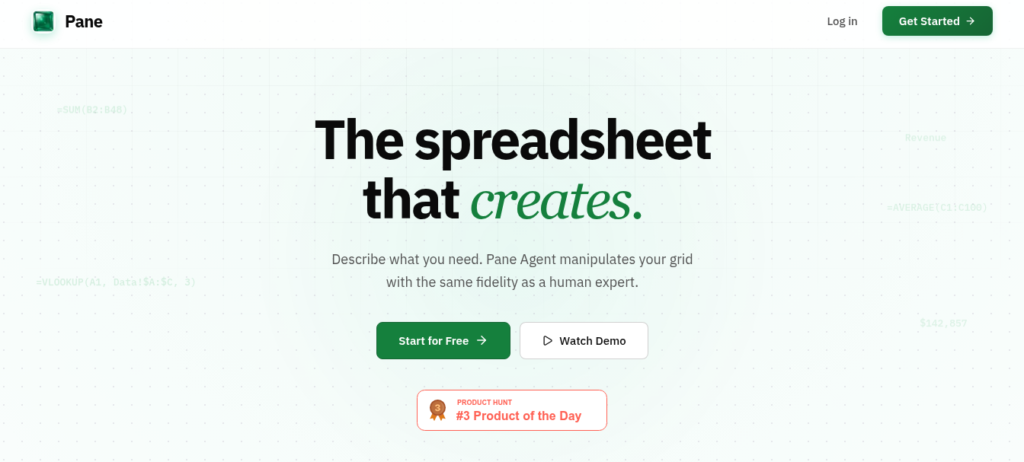
Pane is an agentic spreadsheet where AI works directly in the grid. It edits cells, writes real formulas, and builds charts from natural language prompts. Moreover, it extracts tables from PDFs and cleans messy data automatically. As a result, it is a top choice for analysts who want AI inside their spreadsheets in 2026.
Pane’s Key Features
Pane has a full AI data stack for spreadsheet users. First, it edits cells and writes formulas using the same primitives a human would. Second, it builds charts and visualizations step by step from your data. Then, it extracts tables from PDFs and converts them into clean spreadsheets. In addition, it cleans messy datasets and fills missing values automatically. Furthermore, it lets you revert any agent operation with a single click. Plus, it uses Gemini 3 Pro for high-precision reasoning. So it fits analysts who want transparent AI inside their grids.
Pane’s Pricing Plans
Pane offers a free plan for exploration and paid tiers for power users. The Free plan includes core spreadsheet features and basic AI agent access. The Pro plan adds more AI credits and advanced features. The Team plan supports collaboration and shared workspaces. So users can start free and upgrade as their data needs grow.
Who Uses Pane?
Pane fits data analysts and operations teams. For instance, a financial analyst can clean quarterly reports and build models in minutes. Similarly, a founder can extract tables from investor PDFs without manual copying. In contrast, a casual user with simple lists may not need agentic power. But research teams can automate repetitive data tasks at scale. So it fits analysts, modelers, and data-heavy teams.
How Pane Compares
Pane wins on agentic precision and grid-native editing. First, it edits cells directly, while Julius AI works as a separate analysis layer. Second, it writes real formulas you can audit, unlike black-box AI tools. However, Microsoft Copilot is cheaper at $30 per month for M365 users. Also, Google Sheets with Gemini is free for basic tasks. Explore our full directory or read our Julius AI review for data analysis. For updates, visit PaneAi.
Best For
Pane fits data analysts and teams who need an agentic spreadsheet. It offers cell-level editing, formula writing, PDF extraction, and transparent revert controls for safe AI data work.